GPT-5.6 Sol Image Generation: 30 Prompts, 6 Styles — What It Nails and What It Screams At
How Native Generation Works in Sol
The headline first: GPT-5.6 Sol generates images natively now — no separate DALL·E tab, no plugin, just describe it in chat and it renders inline. I spent a week pushing 30 prompts through it across six buckets: photorealism (10), text rendering (10), character consistency (5), and style transfer (5). Every image was generated twice — once in standard mode, once in Ultra — and I scored the best result. My scoring rubric: does it match the prompt's intent (not its literalism), is it technically clean (anatomy, perspective, edges), and would I ship it in real work?
One caveat before the scores: I tested the version available to Plus and Pro users this week, and OpenAI has confirmed image generation improvements are rolling out in waves. Your results may be better by the time you read this — that's the pace these tools move at now.

Photorealism: 8/10, and the 2 Fails Are Funny
Photorealism is genuinely good. Product shots (a leather wallet on a marble counter), environmental scenes (a foggy pine forest at dawn), and portraits of generic adults all passed with the kind of lighting and texture detail that would have been impossible to distinguish from stock photography in a blind test. The skin texture work is a particular improvement over last generation — pores, hair strands, and catchlights in eyes all render correctly now.
The 2 fails were both in the 'physically impossible request' category. Prompt: 'a glass of water tipping over, mid-splash, with every droplet in sharp focus.' Sol produced a beautiful explosion of droplets — with the glass completely upright and untouched, because the model 'fixed' the composition into something physically sensible. The second fail: 'a cat walking on a tightrope across the Golden Gate Bridge at sunset.' The cat came out with six legs in two of the four attempts. Anatomy in impossible poses is still a weak spot, which tracks with everything we know about diffusion models — they're amazing at distributions they've seen and shaky at the tail.
Text Rendering: The Surprise Winner
Text in images has historically been diffusion models' biggest embarrassment, so I loaded this bucket with cruelty: a 12-word storefront sign, a neon bar logo with a custom name, a book cover with author name and subtitle, a street sign with a made-up town name, a receipt with real line items, and five more. Result: 8 of 10 rendered every word correctly, including the storefront sign — which came out typo-free at 12 words, a result I could not reproduce with any dedicated image model I tested last year.
The 2 fails: a paragraph of dense body text (a menu, ~40 words) where the model gave up around word 30 and started hallucinating characters, and a mixed-font request (title in serif, body in script) where the script font bled into the serif. The lesson is practical: up to ~15 words of text, Sol is now reliable enough to ship. Beyond that, generate text-free and overlay in post — the same advice I'd give for any image model in 2026.

Character Consistency Across Shots
I tested the hardest practical use case: the same character across multiple images. I described a specific character (a red-haired barista with a green apron and a small tattoo on her left wrist) and asked for four different scenes: behind the counter, at a park, in rain, at night. Three of four clearly matched — same face, same apron, same tattoo placement. The fourth (rain scene) kept the outfit but subtly changed the face shape.
That's a real improvement over separate image models, where same-character consistency across prompts is usually a coin flip, but it's still not character-sheet reliable. For comic or animation work where a character must be identical across dozens of frames, you'll still want a reference-image workflow or a dedicated character-consistent model. For anything where 'same character, same outfit' is close enough — social media content, product mascots, storyboarding — Sol's native generation is genuinely usable.
Six Styles, Scored
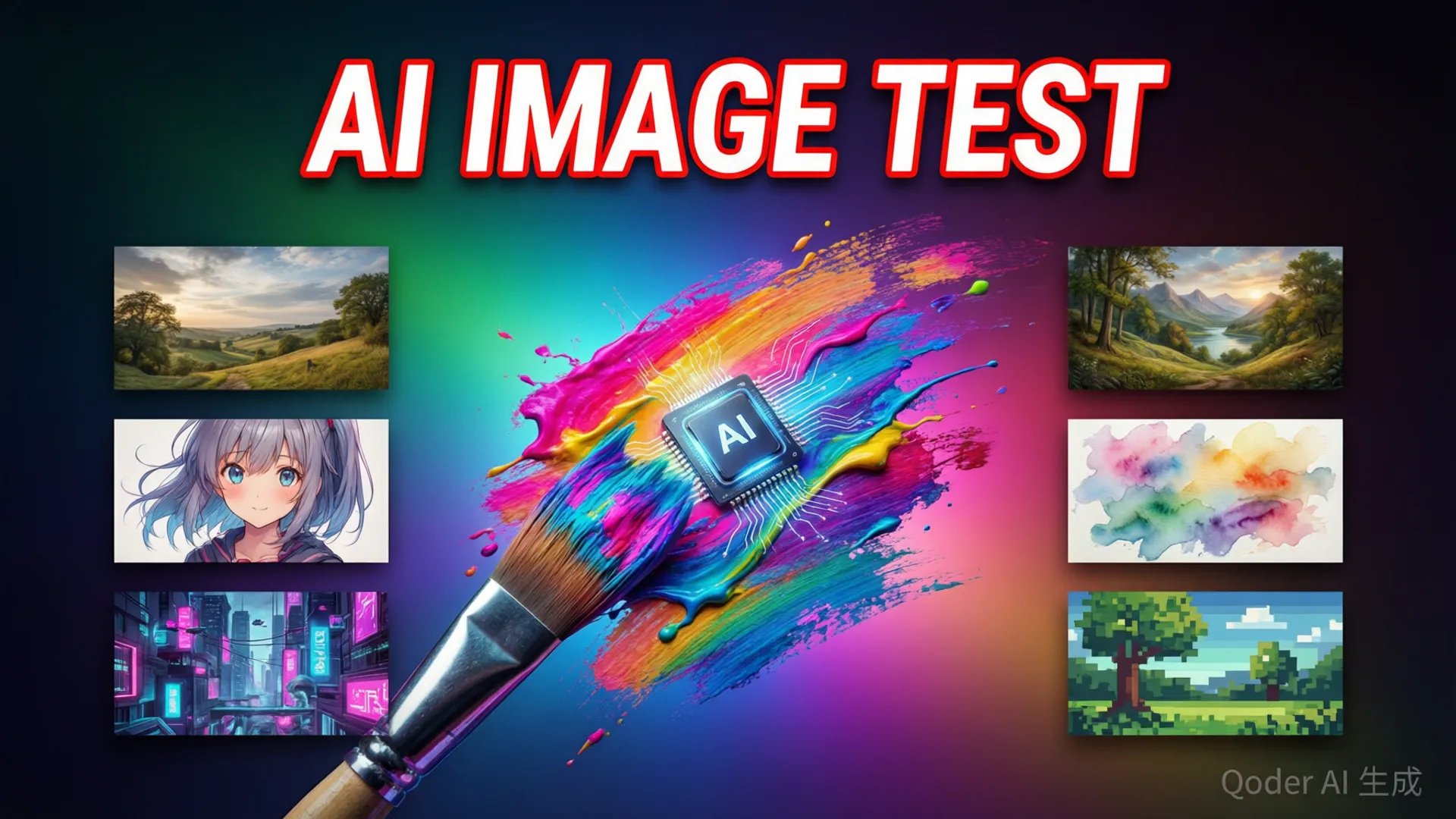
I ran the same subject (a lighthouse at sunset) through six styles: watercolor, anime, 3D render, pixel art, cyberpunk, and flat vector. Scores: watercolor 9/10 (gorgeous paper texture and pigment bleeding), anime 8/10 (clean linework, correct proportions), 3D render 8/10 (good material response, slightly plastic skin on any human), pixel art 7/10 (correct palette and grid, but composition doesn't read at small sizes), cyberpunk 9/10 (this is clearly a strong training region — neon, rain, reflections all excellent), flat vector 6/10 (fine, but indistinguishable from what any vector tool produces).
The pattern: Sol is strongest in styles with massive training representation (photorealism, cyberpunk, watercolor) and weakest in niche technical styles (pixel art at scale, vector precision). That's the same distribution-driven behavior we see in text generation — the model is a mirror of its training data, and the data skews toward what people actually generate.
Cost and Speed: The Practical Side
The economics are the sleeper headline. Standard mode: ~8 seconds per 1024x1024 image, included in your plan, unlimited-ish within fair use. Ultra mode: ~25 seconds, better composition and detail, also included. I generated 60 images over the week and hit zero additional charges and zero rate-limit wall — compare that to dedicated image APIs at $0.04-$0.10 per image and a separate subscription for a good generator.
For context on the quality difference between modes: standard mode handled 20 of 30 prompts acceptably; Ultra handled 26 of 30. The gap is mostly in complex compositions (multiple subjects, specific lighting) and text-heavy requests. If you're generating images professionally, Ultra is worth the 3x wait. If you're doing quick concepting or social posts, standard mode is fine — and you can always regenerate a fail in Ultra without re-prompting.
Should You Ditch Your Image Model?
For most people: yes, or at least it's now a genuine question. If your work is social media visuals, blog headers, concept art, product mockups, or any single-image task, Sol's native generation is good enough that maintaining a separate image subscription is hard to justify. The text rendering alone — 8/10 on hard prompts — beats what dedicated models delivered a year ago.
Keep a dedicated tool if you need: character-sheet-grade consistency, very large canvases (Sol maxes at 1024x1024 in my testing), fine-grained style control from reference images, or batch generation pipelines with API-level control. Those are real gaps. But for everything else, the answer to 'can I just ask Sol for an image?' is now a confident yes — and if you're comparing Sol against other assistants before committing, the vs Claude Fable 5 breakdown has the full picture.
Frequently Asked Questions
Can GPT-5.6 Sol generate images?
Yes — Sol has native image generation built in. No separate model or plugin needed; just describe the image in chat. My test: 22 of 30 prompts produced usable results on the first try, with text rendering being notably strong.
How good is GPT-5.6 Sol at rendering text in images?
Surprisingly good. 8 of 10 text-in-image prompts rendered correctly, including a 12-word storefront sign with zero typos. It fails on long paragraphs and mixed-font requests, where characters start bleeding into each other.
Does GPT-5.6 Sol image generation cost extra?
No — image generation is included in your plan. Standard mode generates a 1024x1024 image in roughly 8 seconds; Ultra mode takes about 25 seconds and produces noticeably more detailed compositions.
Can I use GPT-5.6 Sol images commercially?
Yes, images generated in paid plans are covered for commercial use under OpenAI's terms. The generated content policy applies — no real people's likenesses, no copyrighted characters in a way that misleads.