GPT-5.6 Sol for Freelancers: My Client Workflow That Saves 9 Hours a Week
The Setup: One Assistant, Three Roles
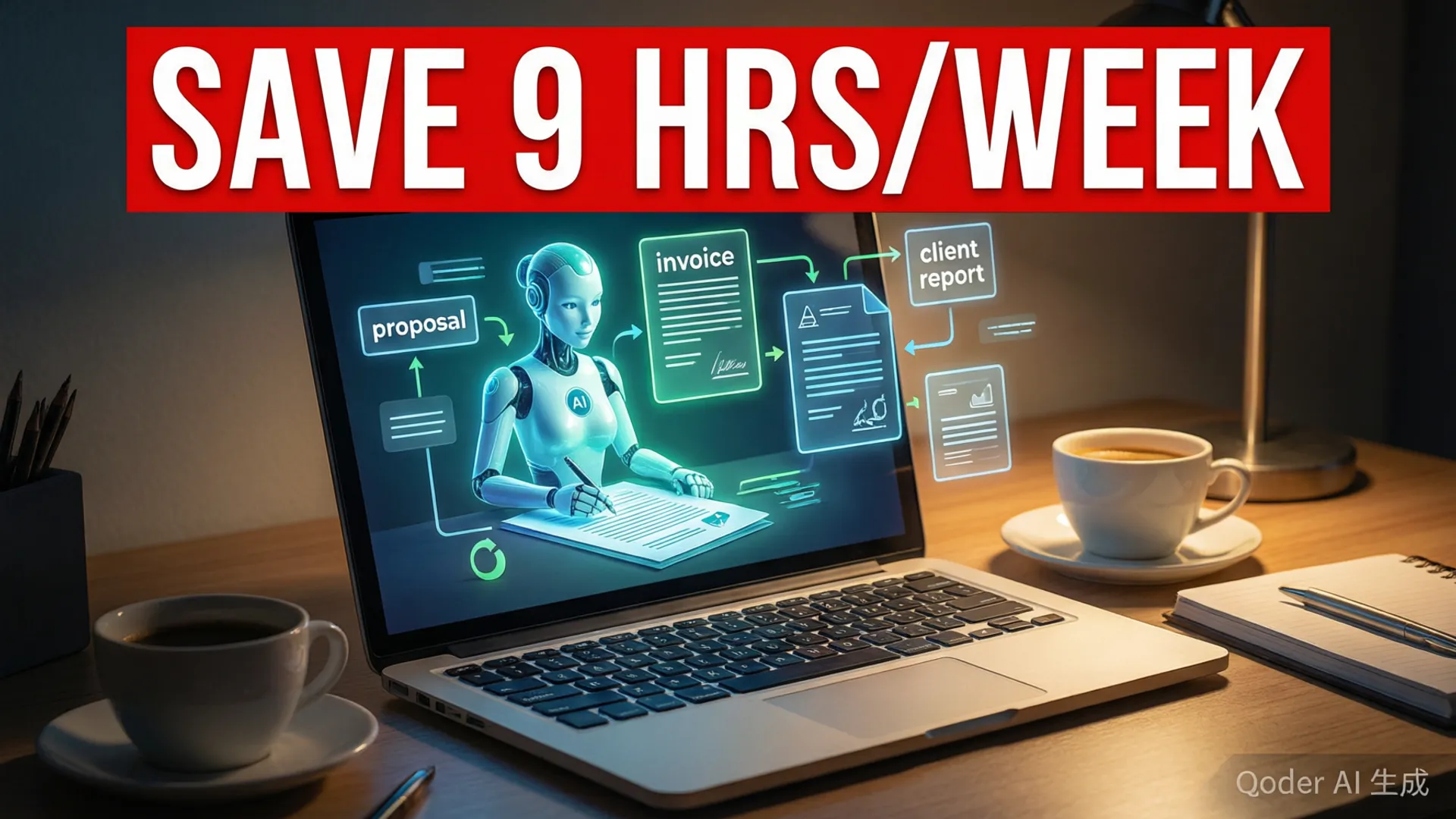
I'm a one-person consulting practice — product strategy and implementation for small B2B companies. Before Sol, my week had a predictable shape: 30-40 billable hours plus 15-20 unbillable hours of proposals, notes, client updates, and reporting. After two months running a structured setup, the unbillable pile is down to 6-8 hours. The change wasn't asking Sol to 'help with admin work.' It was splitting the assistant into three persistent roles with separate memory and separate instructions: the Proposal Writer, the Delivery Assistant, and the Reporter. Each knows its job, its tone, and its boundaries, and none of them pretends to be me.
The technical setup takes an evening: three projects in ChatGPT, each with a system prompt describing the role, the context it's allowed to see, and the output format it must produce. The Proposal Writer has my rates, case studies, and service menu. The Delivery Assistant has per-client briefing documents (goals, stakeholders, style preferences, open questions). The Reporter has my calendar and project boards. That separation is the whole trick — a single catch-all assistant produces catch-all quality, while role-specific assistants produce work that reads like it came from a specialist.

Discovery to Proposal: From 6 Hours to 90 Minutes
The proposal pipeline was my worst time sink: a typical discovery call produced 40 minutes of notes that I'd spend 3-4 hours turning into a polished proposal, then another hour on follow-up questions. Now the flow is: I record the call (with permission), drop the transcript into the Proposal Writer, and it returns a structured summary — client goals, pain points, scope signals, budget language, decision timeline, risks. I correct it in ten minutes. Then it drafts the proposal from my template: problem statement, approach, deliverables, timeline, pricing options, and a one-page executive summary. My job is editing for voice and adding the specifics that only a human who was on the call would catch — the client's CFO cares about X, the real deadline is Y because of Z.
The measured difference: a proposal that used to take 5-6 hours of scattered work now takes about 90 minutes, and the win rate hasn't dropped — if anything, faster turnaround means I respond within 24 hours of the call, which clients notice. The follow-up question email, which used to be a half-hour chore, is now a five-minute edit of the Reporter's draft. I've also stopped dreading the 'can you send a revised version' request, which used to mean rebuilding the document; now it's a two-line instruction to the Proposal Writer with the client's feedback attached.
Project Execution: Drafting, Reviewing, Delivering
During active projects, the Delivery Assistant carries most of the drafting weight. Each client has a briefing document with their context; my daily routine is to feed it the day's raw material — meeting notes, research links, half-formed thoughts — and let it return organized drafts: status updates, meeting agendas, document outlines, analysis frameworks. The output quality depends almost entirely on the briefing document's quality, so I invested an afternoon per active client writing those, and I update them weekly. A good briefing document is worth more than any prompt technique.
The workflow rule that keeps quality high: Sol drafts, I decide, Sol formats. I never send a first draft anywhere. But I also stopped writing anything from a blank page — every document I produce now starts as a draft I edit, and editing a good draft is 60-70% faster than writing from scratch. Client-facing deliverables get one full human pass for voice and judgment; internal documents (meeting notes, research summaries, planning docs) ship after a skim. That split is sustainable because the stakes are different, and it's the reason the system hasn't eroded my quality — the judgment layer is still entirely mine.

The Hour Math: Where 9 Hours Went
I tracked two typical weeks before and after the setup. Before: proposals and scoping 6.5h, client updates and emails 4h, meeting prep and notes 3.5h, reporting and invoices 2.5h — roughly 16.5 hours of unbillable admin. After: proposals 2h, updates 1.5h, meeting prep 1h, reporting 1h — 5.5 hours. That's 11 hours saved on paper, and about 9 in practice, because some of the saved time leaks back into slightly more thorough client communication, which is a good leak. The other number worth reporting: my billing rate on retained clients effectively rose because the same monthly retainer now includes faster turnarounds without extra hours on my side.
The honest caveat: setup cost real time. Writing the three role prompts, the client briefings, and the templates took about two weekends. It paid back inside the first month, and it keeps paying because the templates and briefings are reusable across clients. The people who report 'AI didn't help my business' almost always skipped this investment — they asked a general assistant to do everything and got general results. The leverage lives in the structure, not in the tool.
The Prompt Library I Actually Use
Three prompts carry most of the load, and they're simple enough to share. Proposal: 'You are my proposal writer. Here is the discovery transcript and my rate card. Return: (1) a client summary with goals, pains, and budget signals, (2) a proposal draft using my template structure, (3) three questions I should ask before sending. Flag anything in the transcript that contradicts my rate card.' Update: 'Here is today's activity log for [client]. Draft a 5-sentence client update in my voice: progress, decisions needed, next steps. Do not invent work that isn't in the log.' Retrospective: 'Here is the project log. Write a monthly report: outcomes vs scope, lessons, and two recommendations for the client. Cite specific log entries.' Each prompt constrains the output shape, which is what makes the results consistent enough to edit rather than rewrite.
The meta-lesson from building the library: prompts that work are the ones that tell the assistant what it must not do ('do not invent work', 'flag contradictions') as much as what it should produce. My early prompts produced confident fiction — plausible-sounding updates about work that never happened — because nothing told the model that the log was the only source of truth. Every prompt in my library now names its single source of truth explicitly. If you're building a similar workflow, start there, and pair it with the prompt engineering guide for the underlying patterns.
What I Refuse to Automate
The boundaries matter as much as the automation. I refuse to automate: pricing decisions (the numbers are mine and the model doesn't know my real costs), anything under NDA without client sign-off, relationship communication (the 'how are things going, really' check-ins), and final sign-off on any deliverable. I also keep a rule that any draft containing a number that goes to a client gets a human arithmetic check — Sol's numbers are right 95% of the time, which means wrong 5% of the time, and 5% is a career-ending rate for invoices and scopes.
These boundaries aren't Luddism; they're risk management. The automation handles the parts where a mistake costs me time. The human handles the parts where a mistake costs me trust. That division has held up for two months and 11 active clients, and it's the answer I give anyone who asks whether AI is 'ready' for freelance work: the drafting is ready, the deciding is yours, and the sooner you stop conflating the two, the sooner the workflow pays.
Verdict: Solo, With a Staff of One
GPT-5.6 Sol is the best business tool I've adopted since switching to per-client project management — not because it's the most impressive AI feature, but because it's the one with the clearest job description. Nine hours a week back, faster proposals, better client communication, and zero quality complaints. The setup is replicable in an evening if you copy the role structure: separate memory, explicit boundaries, named sources of truth, and a human pass on everything external.
If you're a freelancer or solo consultant, the question isn't whether to use AI — it's whether you'll build the structure that makes it useful or just add another tab to your browser. The role-based setup is the difference between an assistant that saves nine hours and a chatbot that produces nine hours of editing work. For the broader picture of how Sol fits into a working week, the office workflow breakdown covers the other side of the same coin.
Frequently Asked Questions
Can GPT-5.6 Sol really run a freelancer business?
It can run the information work of a freelancer business — discovery synthesis, proposal drafting, deliverable drafting, client updates, reporting. It cannot make calls, build relationships, or make judgment calls about your client's business. The winning setup is AI for drafting, human for deciding.
What is the best way to use GPT-5.6 Sol for freelancing?
Give it three persistent roles with memory: a proposal writer that knows your rates and portfolio, a delivery assistant that knows each client's context and style, and a reporter that turns project activity into client updates. One assistant trying to do all three badly is the most common mistake.
Will clients notice I use AI?
Only if you let the drafts ship unedited. My rule: everything a client sees gets at least one human pass that changes voice and adds specifics only I know. The drafts save the typing, not the thinking — and clients respond to the thinking.
How do I keep client data private when using AI?
Use per-client projects with separate memory, avoid uploading anything under an NDA without checking, and never let an AI tool train on client data — paid business plans don't train on your inputs by default. When in doubt, ask the client; most are fine with it when the alternative is slower delivery.